


https://www.cnet.com/news/inside-the-worlds-long-lost-first-microcomputer/
Microcomputers (personal computers)
Microcomputers became the most common type of computer in the late 20th century. The term “microcomputer” was introduced with the advent of systems based on single chip microprocessors. The best-known early system was the Altair 8800, introduced in 1975. The term “microcomputer” has practically become an anachronism.
These computers include:

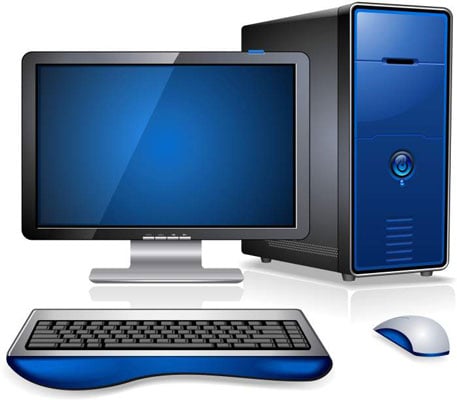
Desktop computers
A case put under or on a desk. The display may be optional, depending on use. The case size may vary, depending on the required expansion slots. Very small computers of this kind may be integrated into the monitor.
Smaller microcomputers are also called mobile devices:
https://www.bestbuy.com/site/clp/laptop-savings/pcmcat748302046105.c?id=pcmcat748302046105
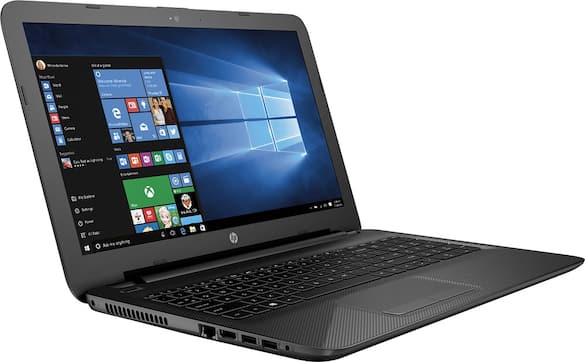
Laptops and notebook computers
Portable and all in one case.
https://www.bestbuy.com/site/electronics/computers-pcs/abcat0500000.c?id=abcat0500000
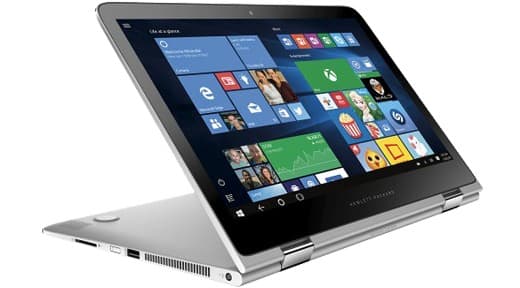
Tablet computer
Like laptops, but with a touch-screen, entirely replacing the physical keyboard.

http://optionscomputer.com/palmtop-computers-a-journey-from-previous-to-present/
Smartphones, smartbooks, PDAs and palmtop computers
Small handheld computers with limited hardware.

https://www.gumtree.com/for-sale?adRemoved=true
Programmable calculator
Like small handhelds, but specialized on mathematical work.

https://liliputing.com/2010/09/ocosmos-ocs-1-handheld-computer-sports-intel-oak-trail-windows-7.html
Handheld game consoles
The same as game consoles, but small and portable.

http://info300.net/smerga/index.html
Minicomputers (midrange computers)
Minicomputers (colloquially, minis) are a class of multi-user computers that lie in the middle range of the computing spectrum, in between the smallest mainframe computers and the largest single-user systems (microcomputers or personal computers). The term superminicomputer or supermini was used to distinguish more powerful minicomputers that approached mainframes in capability. Superminis (such as the DEC VAX or Data General Eclipse MV/8000) were usually 32-bit at a time when most minicomputers (such as the PDP-11 or Data General Eclipse or IBM Series/1) were 16-bit. These traditional minicomputers in the last few decades of the 20th Century, found in small to medium-sized businesses, laboratories and embedded in (for example) hospital CAT scanners, often would be rack-mounted and connect to one or more terminals or tape/card readers, like mainframes and unlike most personal computers, but require less space and electrical power than a typical mainframe. The contemporary term for minicomputer is midrange computer, such as the higher-end SPARC, POWER and Itanium-based systems from Oracle Corporation, IBM and Hewlett-Packard, and the size is now typically smaller, such as a tower case.

http://erpcontact.ro/index.php/blog/item/40-mainframe-story.html
Mainframe computers
The term mainframe computer was created to distinguish the traditional, large, institutional computer intended to service multiple users from the smaller, single user machines. These computers are capable of handling and processing very large amounts of data quickly. Mainframe computers are used in large institutions such as government, banks and large corporations. They are measured in MIPS (million instructions per second) and can respond to hundreds of millions of users at a time.

https://www.livescience.com/62827-fastest-supercomputer.html
Supercomputers
A Supercomputer is focused on performing tasks involving intense numerical calculations such as weather forecasting, fluid dynamics, nuclear simulations, theoretical astrophysics, and complex scientific computations. A supercomputer is a computer that is at the front-line of current processing capacity, particularly speed of calculation. The term supercomputer itself is rather fluid, and the speed of today’s supercomputers tends to become typical of tomorrow’s ordinary computer. Supercomputer processing speeds are measured in floating point operations per second, or FLOPS. An example of a floating point operation is the calculation of mathematical equations in real numbers. In terms of computational capability, memory size and speed, I/O technology, and topological issues such as bandwidth and latency, supercomputers are the most powerful, are very expensive, and not cost-effective just to perform batch or transaction processing. Transaction processing is handled by less powerful computers such as server computers or mainframes. They are mainly kept in a cool environment for proper functions.
Classes by function

https://www.serverpronto.com/spu/2014/08/different-types-of-web-servers/
Servers
Server usually refers to a computer that is dedicated to providing one or more services. For example, a computer dedicated to a database may be called a “database server”. “File servers” manage a large collection of computer files. “Web servers” process web pages and web applications. Many smaller servers are actually personal computers that have been dedicated to provide services for other computers. A server is expected to be reliable (e.g. error-correction of RAM; redundant cooling; self-monitoring, RAID), fit for running for several years, and giving useful diagnosis in case of an error. For even increased security, the server may be mirrored

http://www.windream.com/en/solutions/administering-documents-on-terminal-servers.html
Terminal servers[edit]
These provide GUI sessions that can be used by client PCs that work someway like a remote control. Only the screen (and audio) output is shown on the client. The GUI applications run on the server, data (like in files) would be stored in the same LAN, thus avoiding problems, should a client PC be damaged or stolen.

Virtual machines[edit]
A server may run several virtual machines (VMs) for different activities, supplying the same environment to each VM as if it ran on dedicated hardware. Different operating systems (OS) can therefore be run at the same time. This technology approach needs special hardware support to be useful and was first the domain of mainframes and other large computers. Nowadays, most personal computers are equipped for this task, but for long-term operation or critical systems, specialized server hardware may be needed.
Another approach is to implement VMs on the operating system level, so all VMs run on the same OS instance (or incarnation), but are fundamentally separated to not interfere with each other.

Workstations
Workstations are computers that are intended to serve one user and may contain special hardware enhancements not found on a personal computer. By the mid 1990s personal computers reached the processing capabilities of mini computers and workstations. Also, with the release of multi-tasking systems such as OS/2, Windows NT and Linux, the operating systems of personal computers could do the job of this class of machines.

http://www.ruggedpcreview.com/3_slates_dtresearch_webdt312.html
Information appliances
Information appliances are computers specially designed to perform a specific “user-friendly” function—such as playing music, photography, or editing text. The term is most commonly applied to mobile devices, though there are also portable and desktop devices of this class.
https://www.theengineeringprojects.com/2016/10/embedded-computer.html
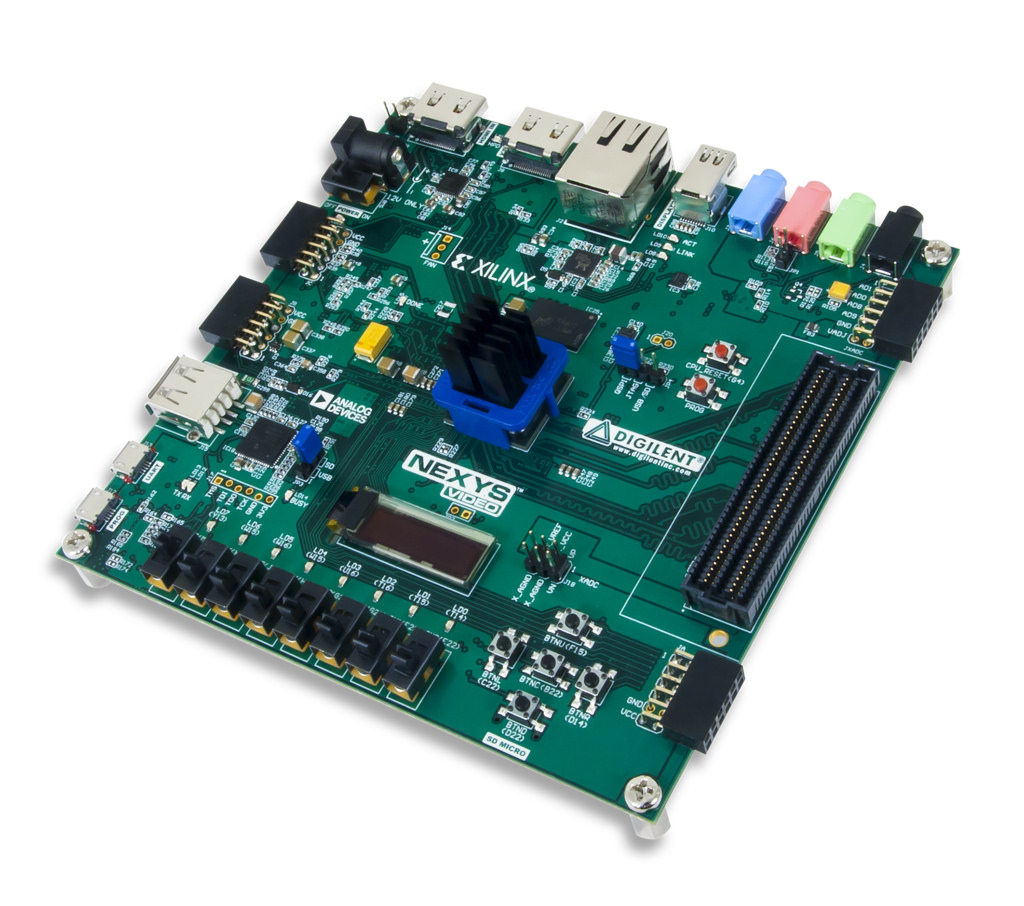
Embedded computers
Embedded computers are computers that are a part of a machine or device. Embedded computers generally execute a program that is stored in non-volatile memoryand is only intended to operate a specific machine or device. Embedded computers are very common. The majority are microcontrollers. Embedded computers are typically required to operate continuously without being reset or rebooted, and once employed in their task the software usually cannot be modified. An automobile may contain a number of embedded computers; however, a washing machine or DVD player would contain only one microcontroller. Embedded computers are chosen to meet the requirements of the specific application, and most are slower and cheaper than CPUs found in a personal computer.

https://library.austintexas.gov/computers-and-wifi
Public computer
Public computers are open for public uses, possibly as an Interactive kiosk. There are many places one can use them, such as cybercafes, schools and libraries.
They are normally fire-walled and restricted to run only their pre-installed software. The operating system is difficult to change and/or resides on a file server. For example, “thin client” machines in educational establishments may be reset to their original state between classes. Public computers are not expected to keep an individual’s data files.
https://www.dummies.com/computers/5-types-of-personal-computers/
Personal computer
A personal computer has one user who may also be the owner (although the term has also come also mean any computer hardware somewhat like the original IBM PC, irrespective of how it is used). This user often may use all hardware resources, has complete access to any part of the computer and has rights to install/remove software. Personal computers normally store personal files, and often the owner/user is responsible for routine maintenance such as removing unwanted files and virus-scanning. Some computers in a business setting are for one user but are also served by staff with protocols to ensure proper maintenance.

https://computer.howstuffworks.com/shared-computing.htm
These are computers where different people might log on at different times; unlike public computers, they would have usernames and passwords assigned on a long-term basis, with the files they see and the computer’s settings adjusted to their particular account. Often the important data files will reside on a central file server, so a person could log onto different computers yet still see the same files. The computer (or workstation) might be a “thin client” or X terminal, otherwise it may have its own disk for some or all system files, but usually will need to be networked to the rest of the system for full functionality. Such systems normally require a system administrator to set up and maintain the hardware and software.
https://www.consumerreports.org/cro/computer-monitors.htm
Display computer
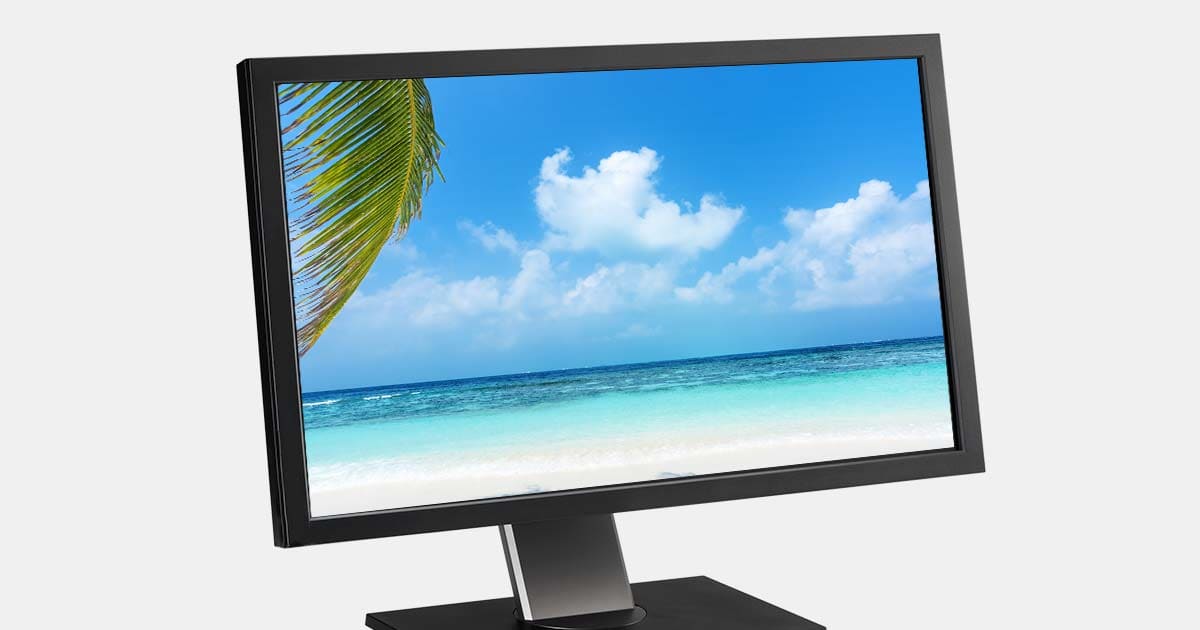
Computers that are used just to display selected material (usually audio-visual, or simple slide shows) in a shop, meeting or trade show. These computers may have more capabilities than they are being used for; they are likely to have WiFi and so be capable of Internet access, but are rarely firewalled (but have restricted port access or monitored in some way). Such computers are used and maintained as appliances, and not normally used as the primary store for important files.
CREDITS:
https://en.wikipedia.org/wiki/Classes_of_computers#Microcomputers_(personal_computers)
 mycomlife
Leave a comment